If you search “best AI image generator,” you’ll see many tools.
But here’s the problem:
Most articles only list tools
They don’t explain which one is best for YOU and WHY
So in this guide, I will explain:
- What each tool does
- Pros & cons
- When to use it
- Which one you should choose
What is an AI Image Generator?
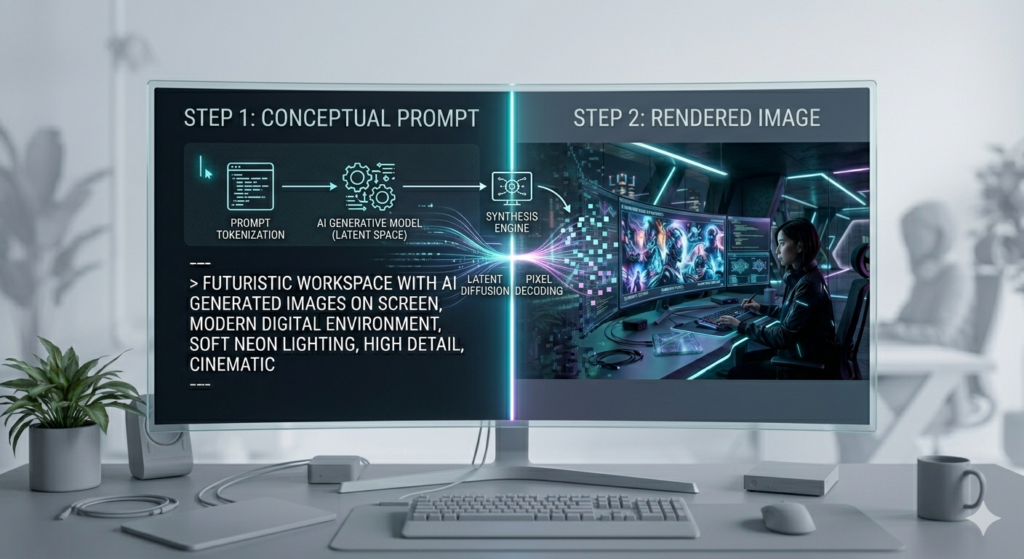
An AI image generator is a tool that creates images from text.
Example:
You write:
“a modern kitchen with warm lighting and a happy family cooking”
Why It Matters:
- Bloggers use it for images
- Businesses use it for ads
- Freelancers earn money with it
- Saves time and cost
Important Truth:
No tool is perfect
Best results come from:
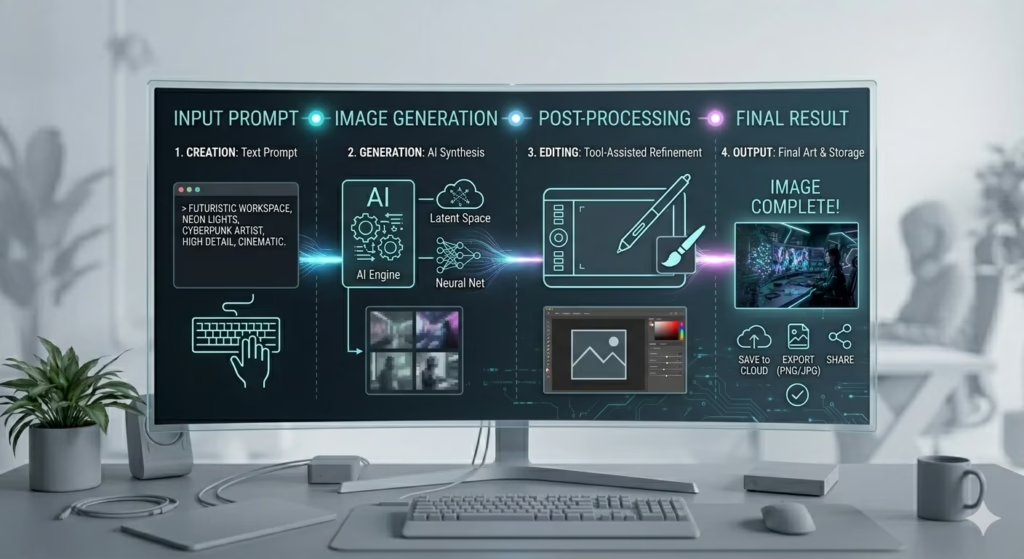
Prompt → Generate → Edit → Improve
TOP AI IMAGE GENERATORS:
1. ChatGPT Image Generator:
What it is
This is the easiest AI image generator. You just type and it creates images.
Pros
- Very easy to use (best for beginners)
- Good quality images
- Can edit with simple instructions
- Works inside ChatGPT (no extra setup)
Cons
- Limited advanced controls
- Sometimes slow
- Sometimes ignores small details
Best For
- Beginners
- Bloggers
- Quick image creation
Simple Example
Like asking your child:
“Draw a house” → easy, but not perfect
2. Canva AI (Magic Media)
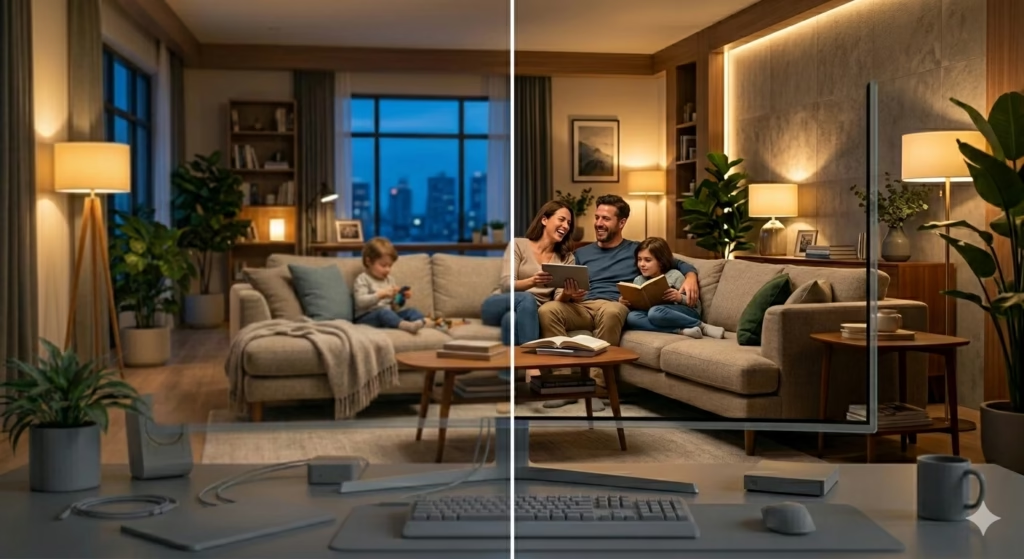
What it is
A design tool with built-in AI image generator.
Pros
- Very simple interface
- Drag & drop editing
- No watermark
- Great for social media
Cons
- Limited control
- Not very realistic images
- Credit limits
Best For
- Social media posts
- Blog images
- Beginners
Example
Like decorating your living room with ready furniture
3. Adobe Firefly
What it is
Professional AI tool integrated with Photoshop.
Pros
- Commercially safe (very important)
- Advanced editing (Generative Fill)
- High control
- Works with Adobe tools
Cons
- Needs subscription
- Not best for ultra-realistic images
- Slight learning curve
Best For
- Freelancers
- Client work
- Businesses
Example
Like hiring a professional interior designer
4. Midjourney
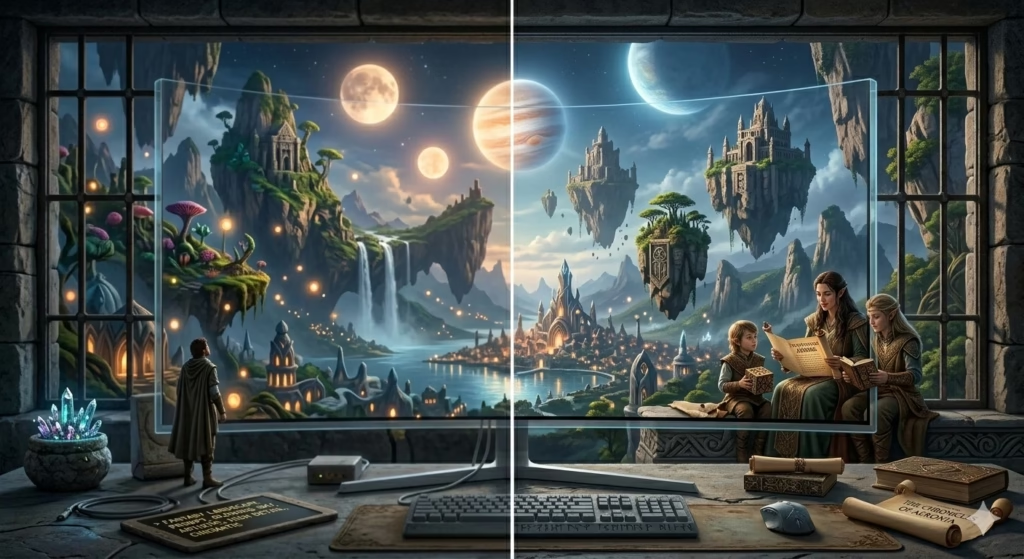
What it is
A creative AI image generator focused on artistic visuals.
Pros
- Extremely beautiful images
- Best for creativity
- High detail
Cons
- Not beginner-friendly
- Images are public
- Not ideal for business
Best For
- Creative content
- Reels / storytelling
Example
Like an artist painting something unique
5. Leonardo AI
What it is
An advanced AI platform with many tools and models.
Pros
- Multiple AI models
- Character consistency
- Advanced controls
- Good quality
Cons
- Credit system
- Can be confusing
Best For
- Serious users
- Freelancers
6. Flux AI
What it is
One of the most realistic AI models available today.
Pros
- Highly realistic images
- Best lighting and detail
- Strong prompt understanding
Cons
- Not beginner-friendly
- Requires good prompts
Best For
- Realistic images
- Professional visuals
7. Stable Diffusion
What it is
Open-source AI image generator.
Pros
- Free (if local)
- Full control
- Custom models
Cons
- Technical setup
- Hard for beginners
Best For
- Advanced users
- Developers
8. Ideogram
What it is
AI tool focused on text inside images.
Pros
- Best text rendering
- Great for thumbnails
- Good design
Cons
- Limited credits
- Public images
Best For
- Posters
- Ads
- YouTube thumbnails
9. Multi-Model Tools (Pollo AI / Pixazo)
What it is
Platforms that allow multiple AI models in one place.
Pros
- Flexibility
- Access to many models
- Good for testing
Cons
- Credit-based
- Can be confusing
Best For
Testing different tools
Advanced users
10. Fiverr (Human + AI Solution)
What it is
Hire experts who use AI for you.
Pros
- Saves time
- High-quality results
- No learning needed
Cons
- Paid
- Not direct AI use
Best For
- Business owners
- Busy users
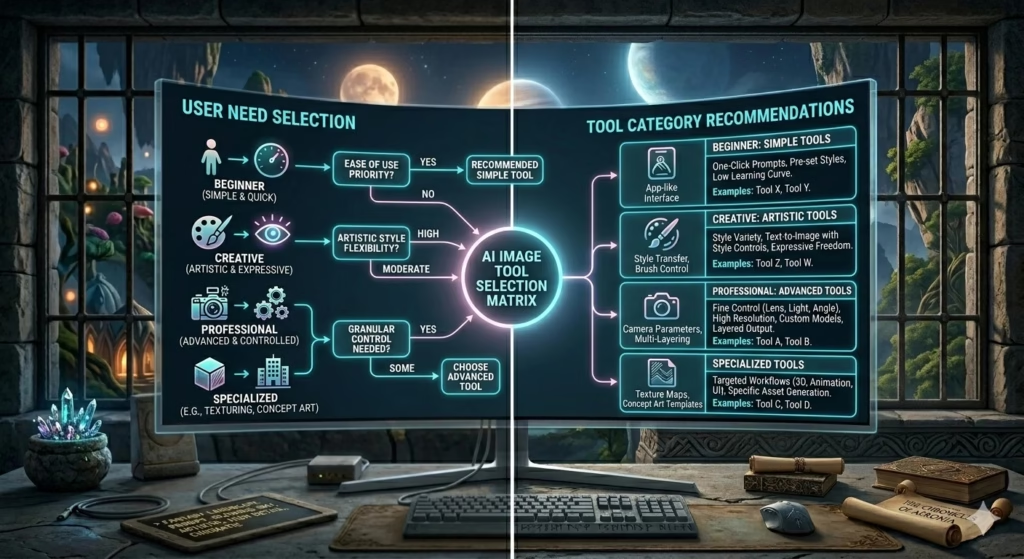
How to Choose the RIGHT Tool
If you are beginner:
Use ChatGPT or Canva
If you want to earn money:
Use Firefly or Leonardo
If you want realistic images:
Use Flux
If you want creative visuals:
Use Midjourney